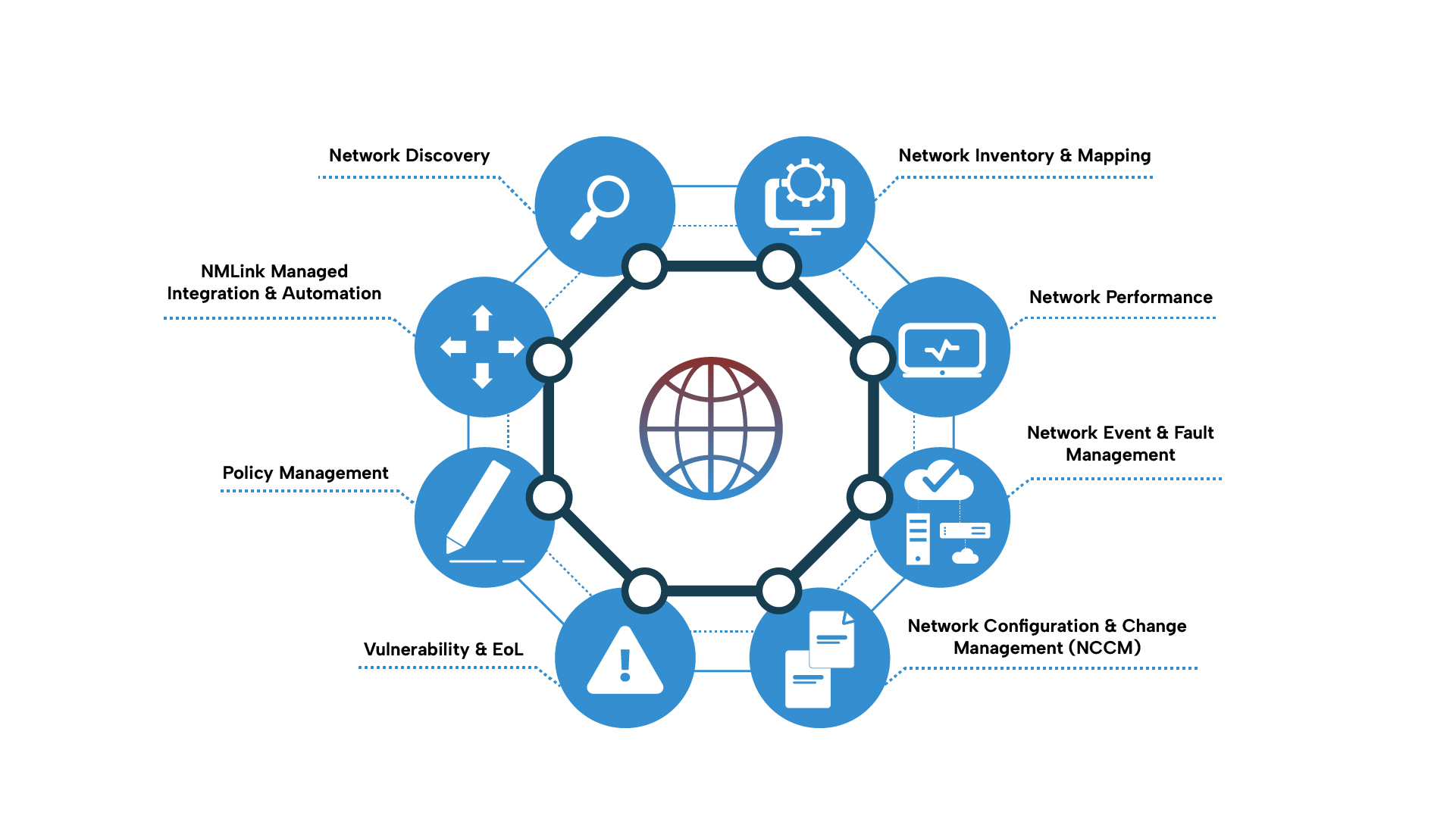
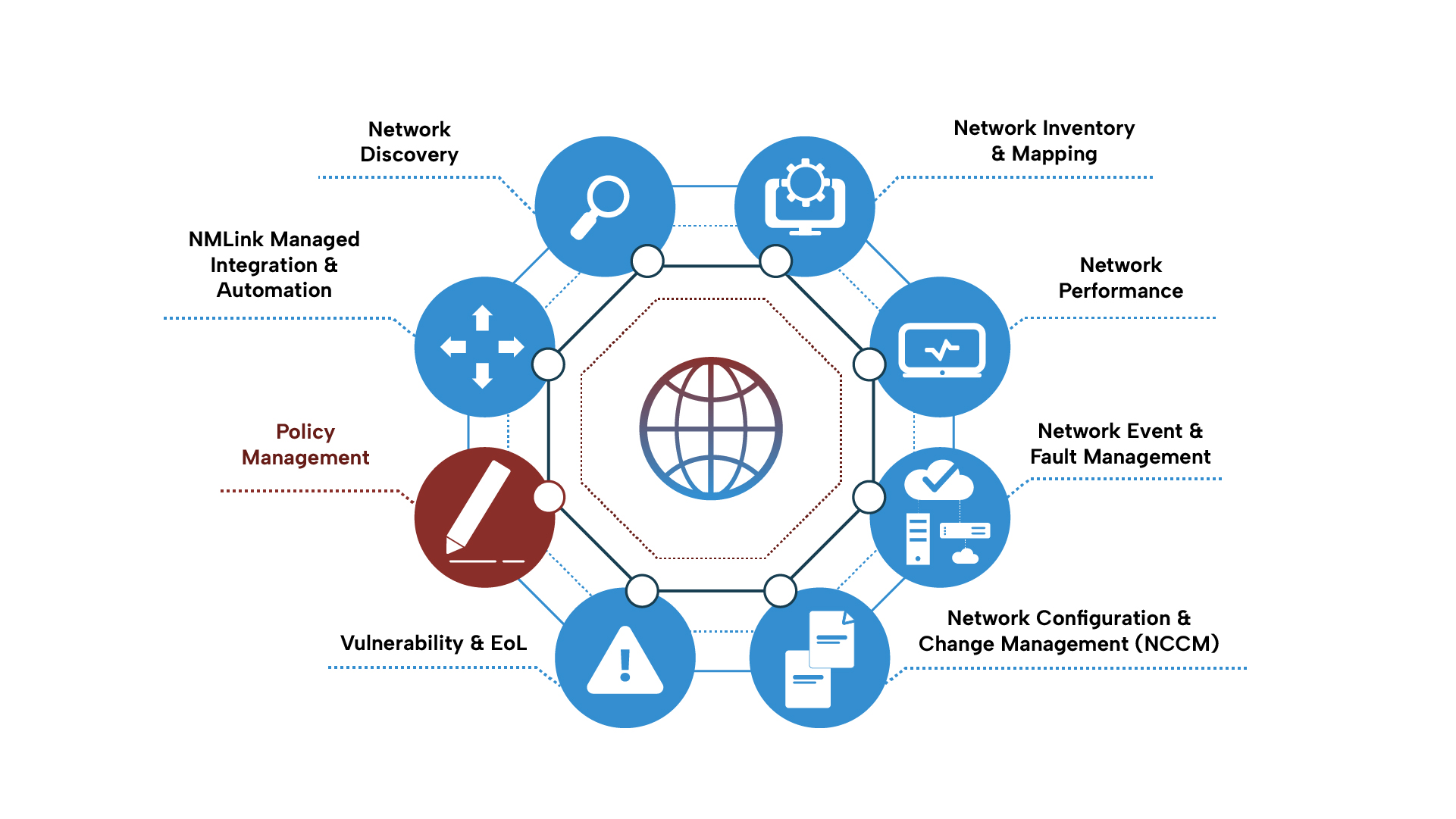
Writing a standard is only half the work. The harder part is knowing which devices have drifted, and doing that across vendors, sites, and tens of thousands of configs without a manual review. When policy checks live in a different tool from backup and inventory, the results go stale the moment a change is made. During an audit, that gap shows up as extra work and avoidable findings. Configuration backup and change management gives you the current and older configs; policy management is how you test those configs against the rules you care about.
With NMSaaS you get policy-violation alerts when configuration standards have not been met, plus analytics in reports and dashboards so the results are visible to the people who need them. Policies can be tailored to device subsets and to vendor-specific attributes, and the engine can handle simple pattern matching or full script logic. Your team spends its time remediating real deviations, not sampling configs by hand.
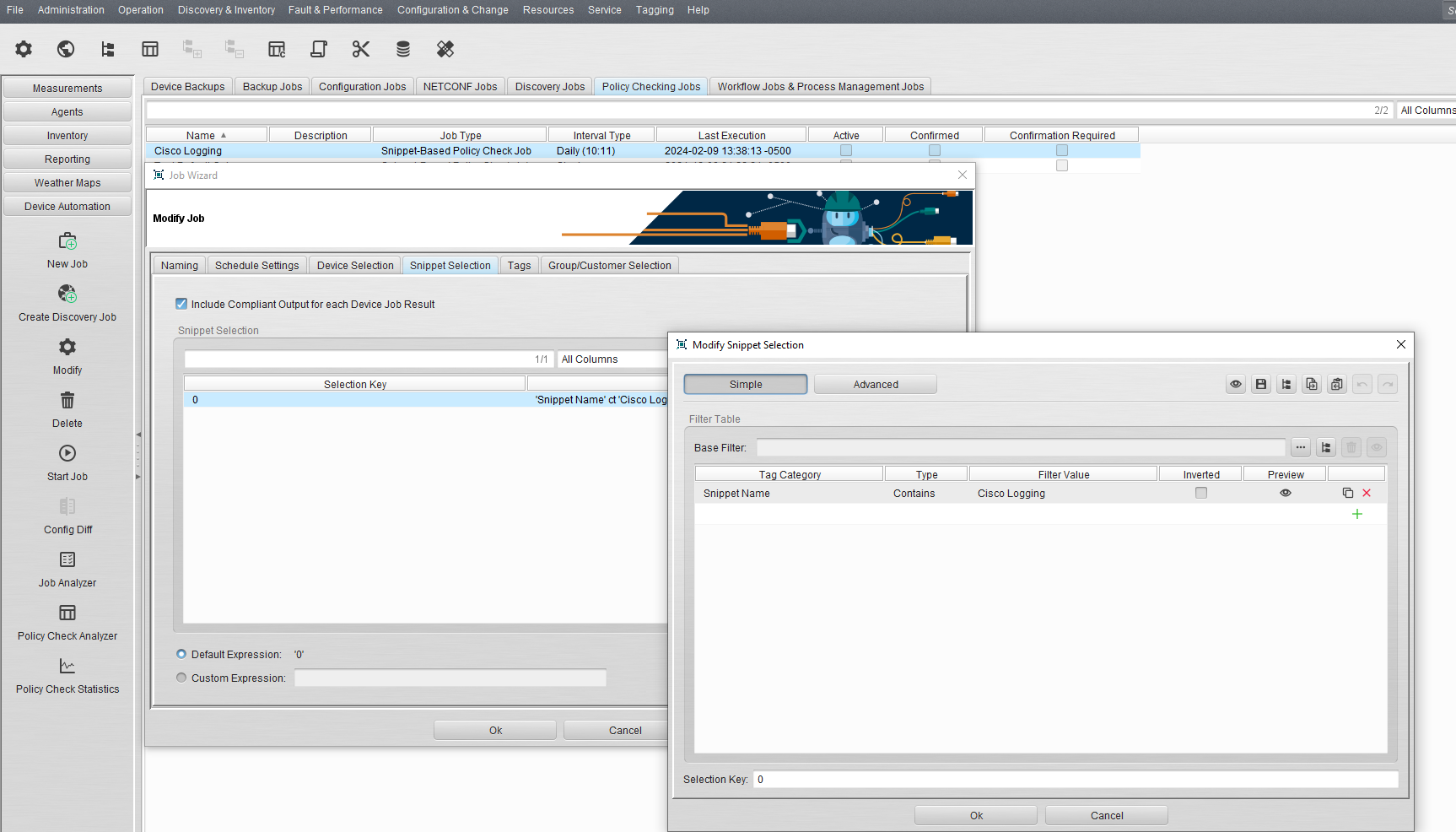
Policies in NMSaaS are applied to all devices, or to a specific subset, using attribute filters from your inventory, the same attribute-based categorization used to organize devices elsewhere on the platform.
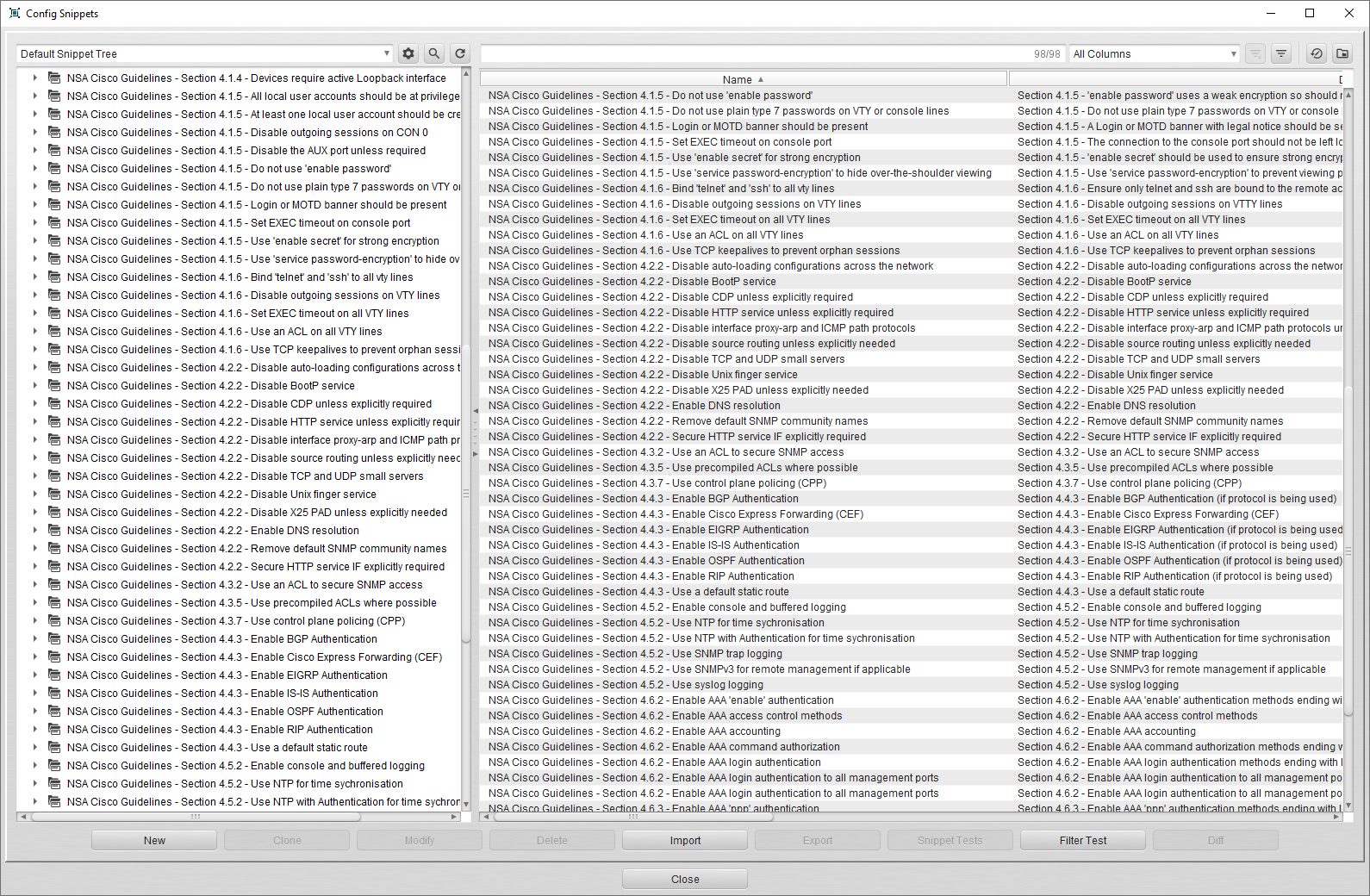
You build policies from a snippet-based repository: standard pattern matching, advanced snippets, and full script logic, so even complex, multi-vendor policies can be reused rather than rewritten each time. When a configuration does not meet the standard, the platform can raise a policy-violation alert and show analytics in reports and dashboards.
Out-of-the-box security policy and remediation examples from NSA best-practice guidelines, described on the NCCM page, are a practical starting point, along with the Top 20 Best Practices for NCCM guide. Setup is part of the same done-for-you service as the rest of NMSaaS.
Automate policy checks for as many devices as you need, on the same distributed architecture as the rest of the platform. Checks are completely vendor-agnostic. To keep your CMDB current, see NMLink.
“The team at NMSaaS made it a turn key set up. They did all the work for us, handed us the keys, and we were good to go.” – Michael B., Director of Application Security